Welcome to the Provisors Troika Automation Tool.
The Provisors Troika Tool is a purpose-built automation solution designed to simplify and streamline the monthly Troika group management process for Provisors meetings.
Created specifically for Troika Masters and Provisor Members, the tool eliminates manual administrative tasks, ensures accurate groupings, and efficiently handles special pairing requests. Whether you’re a group administrator or a participating member, this guide offers clear, step-by-step instructions to help you navigate and interact with the new automated system.
By automating the Troika process, the tool delivers a smoother, faster, and error-free experience—freeing up your time to focus on building meaningful connections.


SEND PDF

SYSTEM PROCESSES

DISTRIBUTE

RECEIVE GROUPS
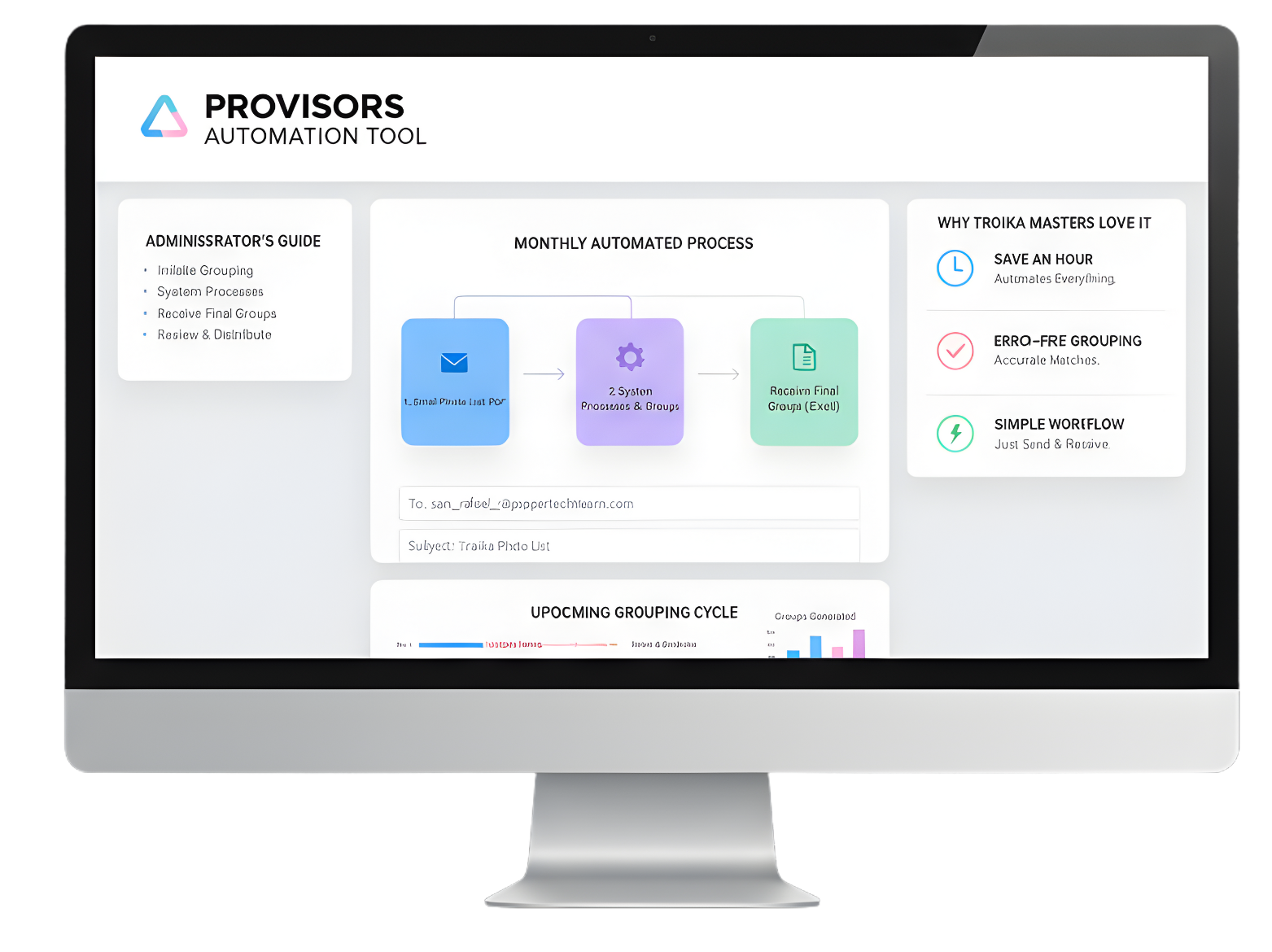
What is the Troika Tool?
The Provisors Troika Tool is an automation solution designed to simplify and streamline the monthly Troika group management process for Provisors meetings.
Built specifically for Troika Masters and group members, it removes manual administrative work, ensures accurate groupings, and efficiently processes special pairing requests.
Why Troika Masters Love It
Save an Hour Every Meeting: Automates everything—from collecting requests to generating and distributing group lists.
Error-Free Grouping: Automatically processes requests and the monthly Photo List PDF.
Simple Workflow: Just send the Photo List PDF to the system and receive the final Excel groupings back.
For Troika Masters (Administrators)
- Create an email with the subject line: Troika Photo List
- Attach the current group Photo list PDF to the email
- Send to [Group Name]@poppertechteam.com
- Within a few minutes, you will receive an excel file with your Troika groupings
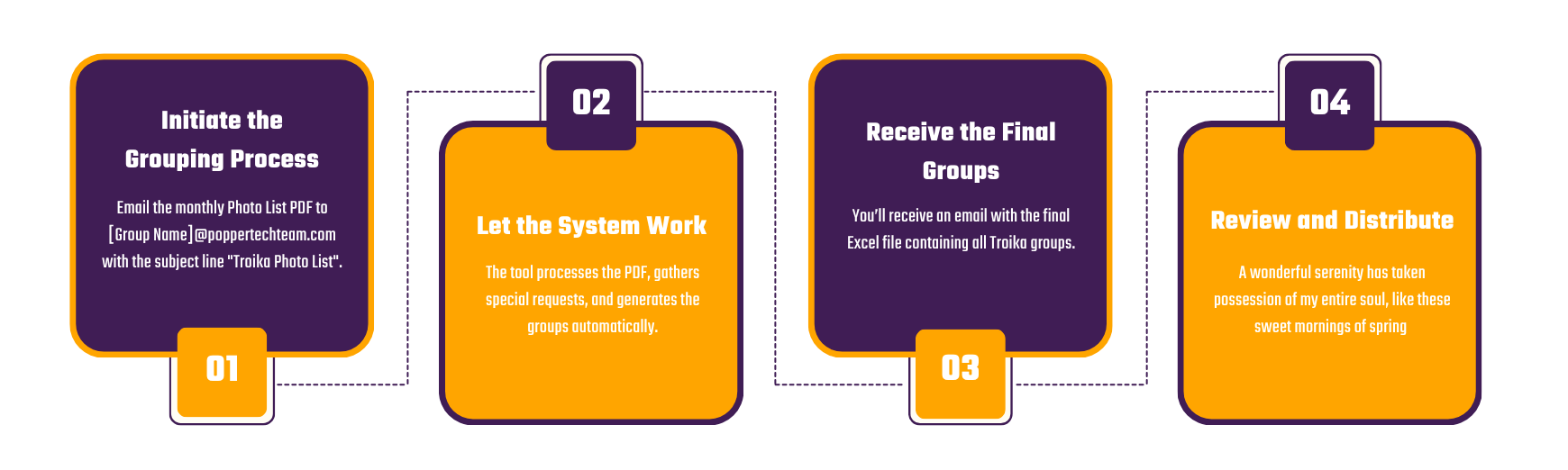
Initiate the Grouping Process
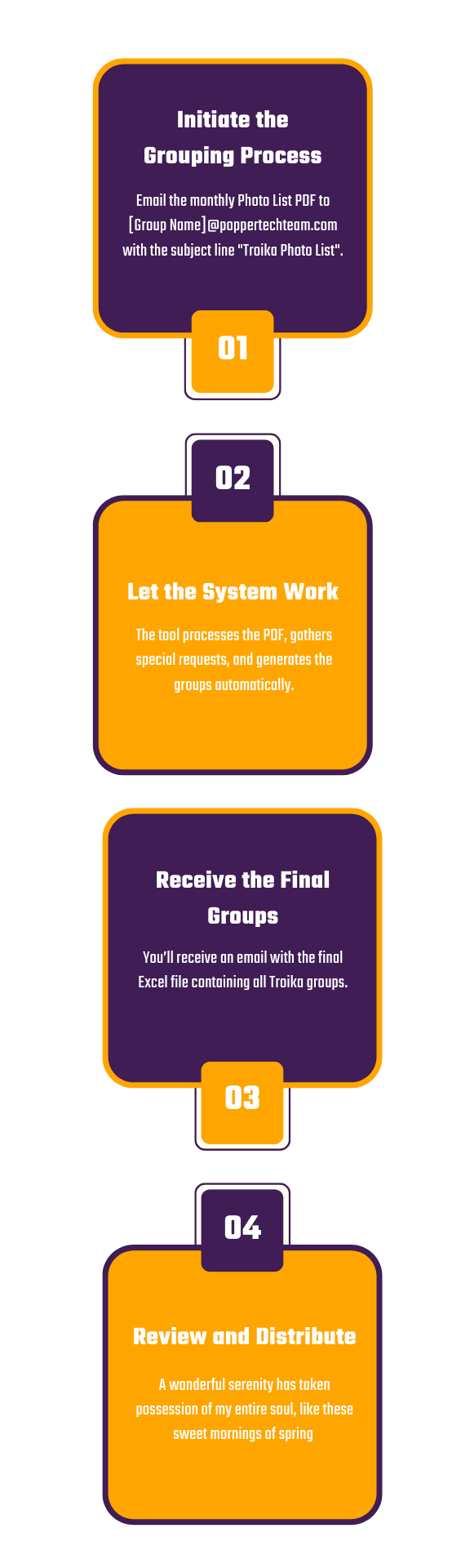
Email the monthly Photo List PDF to san_rafael_2@poppertechteam.com with the subject line "Troika Photo List".
Let the System Work:
The tool processes the PDF, gathers special requests, and generates the groups automatically.
Receive the Final Groups:
You’ll receive an email with the final Excel file containing all Troika groups.
Review and Distribute:
Review the groupings and share them with your members.
For Troika Members (User’s Guide)
Follow these instructions carefully to ensure your request is properly processed.
Check The Deadline
- Rule of thumb: Send your request 4-5 days before the meeting date
- Example: For a meeting on the 30th
- Example: you should aim to send your request by the 25th to be safe.
Hard Cutoff: Any request sent after the Photo List PDF has been submitted for the month will be automatically ignored.
Compose Your Request Email
- To: [Group Name]@popertechteam.com
- Subject: Troika Special Request
Email Body Template:
Hi, I would really like to meet with Joe this time.
My Email: armaan@poppertechteam.com
Partners Email: joe@poppertechteam.com
Regards, Armaan Mujawar
Critical Reminder
Example
To [Group Name]@poppertechteam.com
Hi, I would really like to meet with Joe this time.
My Email: armaan@poppertechteam.com
Partners Email: joe@poppertechteam.com
Regards, Armaan Mujawar
Why We Built the Troika Tool
- To showcase Practical AI in Action. We wanted to demonstrate how artificial intelligence can be used to automate everyday business processes, like organizing peer meetings, saving time, and reducing manual effort. The Troika Tool is a living example of how AI can streamline operations and enhance collaboration.
- To Pilot a public-facing AI initiative. As part of our commitment to innovation, we built this tool to highlight the capabilities of our AI team and share our work with the broader community. By offering the Troika Tool free to ProVisors members, we’re inviting professionals to experience firsthand how AI can support their networking and business development goals.

Troika Tool Release Notes
Version 1 – Live Now
Key Features:
- Upload ProVisors Meeting Photo List: Easily upload your Troika meeting Photo list for documentation and sharing.
- Photo Extraction: Automatically extract participant details from uploaded meeting photo list.
- User Information Capture: Collect and organize member details to support accurate groupings.
- Group Creation Engine: Generate Troika groupings based on member availability and preferences.
- Special Pairing Requests: Accept and incorporate user-submitted requests for specific pairings.
Version 2 - Live Now
Building on the success of Version 1, our upcoming release will introduce advanced features to further enhance the Troika experience:
Planned Enhancements:
- Automated Pairings: Leverage historical meeting data to intelligently suggest groupings.
- Round-Robin Scheduling: Ensure equitable rotation and maximize member engagement.
- Attendance Tracking: Monitor participation and follow-up across Troika sessions.
- Meeting Analytics: Deliver insights into group dynamics, frequency, and engagement.
Version 2 will continue to reflect our AI-First approach, helping ProVisors members connect more effectively while reducing administrative overhead.
Sign Up to Use the Troika Tool
Fill out the form below to request access. Your information will be sent directly to Joe at Popper Tech Team.
You must be a Group Leader or Troika Master to apply.
Ready to Automate Your Business Workflows?
If you have business processes that are repetitive, time-consuming, or ripe for improvement, Popper Tech Team is here to help. We built the Troika Tool not only to serve ProVisors members, but also to showcase how AI can transform everyday operations.
Whether you’re looking to streamline internal tasks, enhance client engagement, or unlock new efficiencies, our AI-First Business Transformation Services are designed to help you scale smarter. Let us 2X, 5X, or even 10X your business using intelligent automation—so you can be more profitable, more efficient, and more productive.
Contact Joe at Popper Tech Team to explore how we can put AI to work for you.